OX Inventory V3
- ESX
- QBCORE
- QBOX
€49.99View Details

BUILT FOR THE PLAYER
• Number keys 1–9 run options directly, in every mode. Each option shows its number, and the game's weapon slots and ox_inventory's hotbar are held off meanwhile, so one press never does two things.
• Mouse wheel or arrow keys to move the highlight — or both.
• Icons in round badges right before each label, the confirm key on the highlighted row, and a faded row at the end when a long list scrolls.
• Smart anchoring — options hang where they belong: on a door, on the boot, at the middle of a person, on a zone's marker. The list follows moving vehicles and walking peds.
• Steady targeting — no more flickering between two targets standing close together. A target has to really be looked at before the menu switches to it.
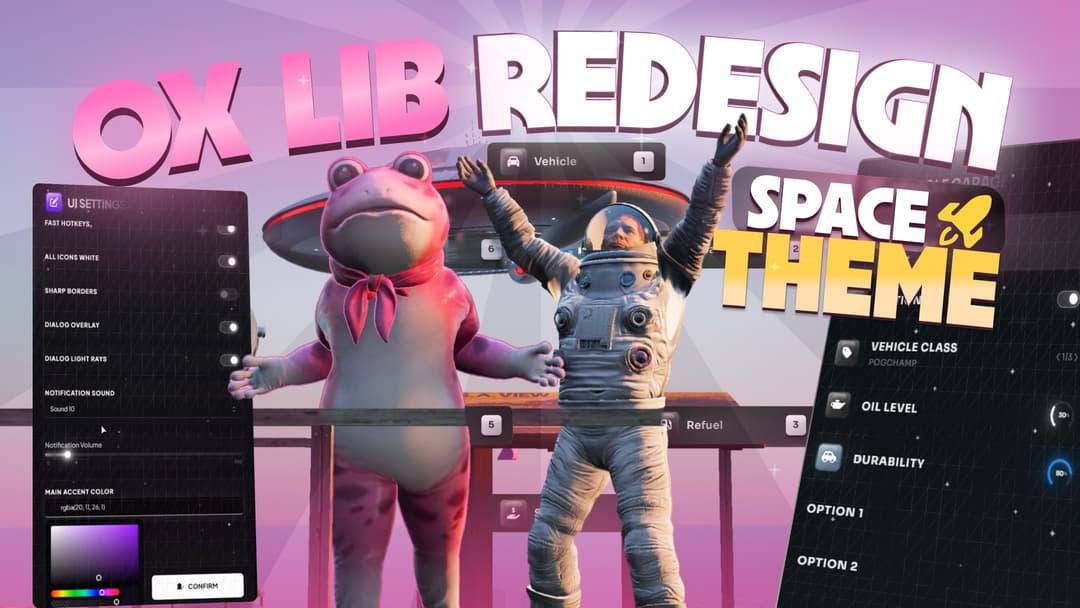
IN-GAME SETTINGS PANEL
Type /targetsettings and every player can choose their own:
• interaction mode and number-key picking
• how the highlight moves, the camera range and how long the list stays after looking away
• hand speed and the hand's snap onto the list
• size, side, offset and width of the classic panel, connector lines, corners and the accent arc
• the two theme colours
Every player's choices are saved just for them. Export goes the other way: it copies the whole settings section of config.lua, comments included, with the values you just dialled in by eye — select the marked section in the config, paste, and that look becomes the default for everyone.
ONE THEME, TWO COLOURS
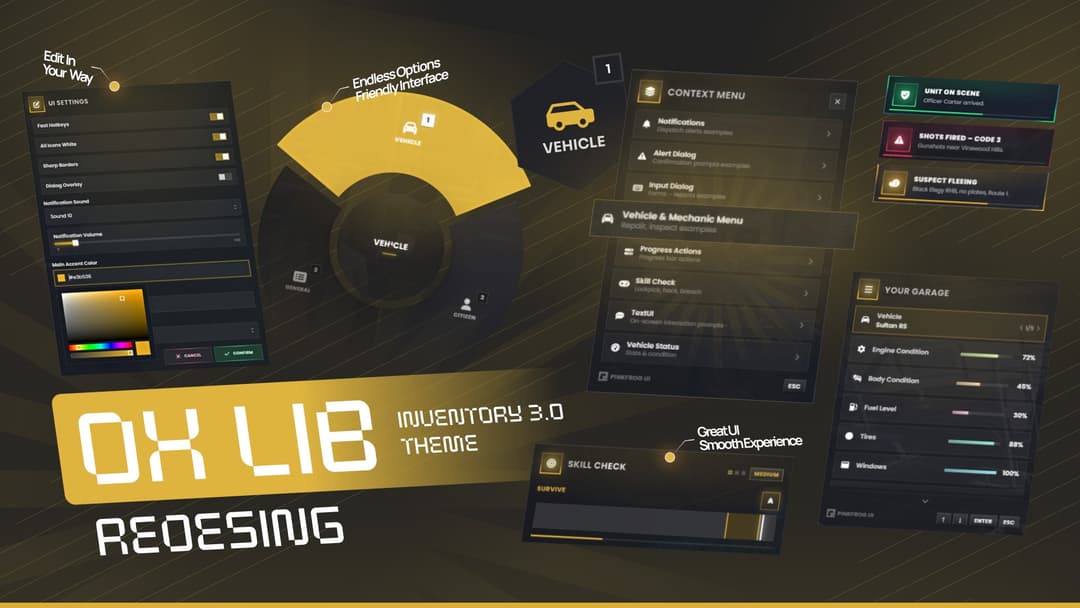
The whole interface is built from an accent and a surface colour: panels, glows, badges, connector lines and highlights all follow them. Optionally follow the colours each player picks in pinkFrog_libAddon (/uiSettings).
PERFORMANCE
• The world list is a still picture redrawn only when its contents change; every fade, slide and size change happens in-game at full frame rate.
• canInteract checks are cached for a short moment per target, and a quick check skips all work when there is clearly nothing to interact with.
• Hold-to-use modes do no work at all until the key is pressed.
• On Qbox, textures are created only once the character is fully loaded in and remade on every character switch — no blank lists after a custom loading screen or the character menu.
LANGUAGES
The settings panel and all built-in texts are translated into 23 languages: English, Polish, Czech, Danish, German, Spanish, Estonian, Finnish, French, Croatian, Hungarian, Indonesian, Italian, Dutch, Norwegian, Portuguese, Brazilian Portuguese, Romanian, Slovenian, Swedish, Turkish, Simplified and Traditional Chinese. The language follows ox_lib's ox:locale convar.
PLUG & PLAY
• Drop-in replacement for ox_target, with the same exports and qtarget compatibility
• Works with ox_core, Qbox, ESX and ND
• Requires ox_lib
• One well-documented config.lua with sensible defaults; anything left out falls back safely
Based on ox_target by Overextended.
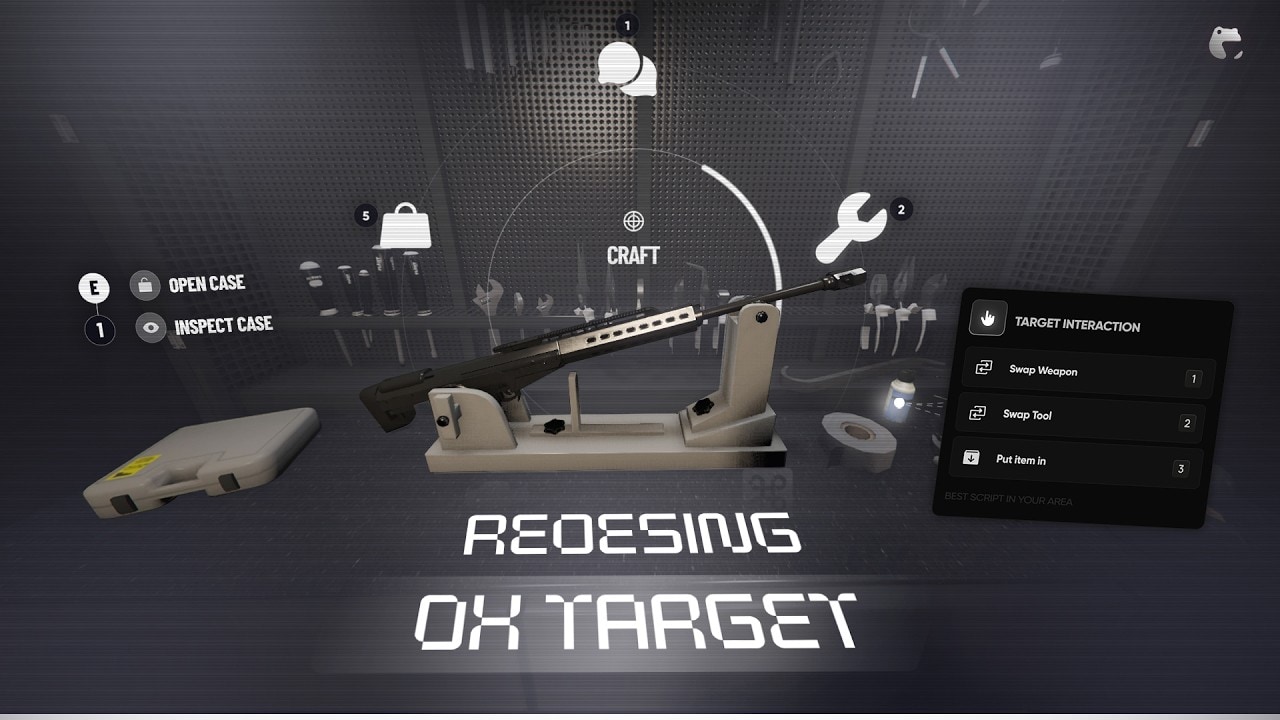
The classic way, refined. Hold ALT, aim the dot, and a panel with the options opens next to it, joined to the dot by soft connector lines. Click an option and it's done.
No key needed. Look at a car door, a boot, a person or a marker and its options appear right next to it, in a sleek list inspired by next-gen open-world games: a thin rail, a dot for every option, the highlighted one showing the key that runs it. Scroll to choose, press E or Enter to confirm. The list is drawn by the game itself, in the same frame as the world, so it stays glued to the object with zero lag or wobble — and the player keeps full control of their character the whole time.
The same list, shown only while ALT is held. Nothing hangs in the world the rest of the time.
Hold ALT and a white hand appears that you move with the mouse while you can still walk. Move it onto something and it clenches into a fist, the list opens on the object's own spot — the door, the boot, the middle of a person — and you pick a row by putting the hand on it and clicking.
Hold ALT while looking at something and its options open on a ring of icons in the middle of the screen, just like a weapon wheel. Point the mouse at one, click to run it. The camera stays free until the wheel opens, so aiming at what you want is natural.
Protected by the Cfx.re escrow system, with Luraph obfuscation added on the server side for our larger releases. The escrowed files are not open source.
Checkout is handled by Tebex. As soon as the payment goes through, the script is linked to your account and ready to download from the Cfx.re Keymaster.
Sign in with your Cfx.re account before you pay so the license lands on the account that runs your server.