OX Inventory V3
- ESX
- QBCORE
- QBOX
€49.99View Details

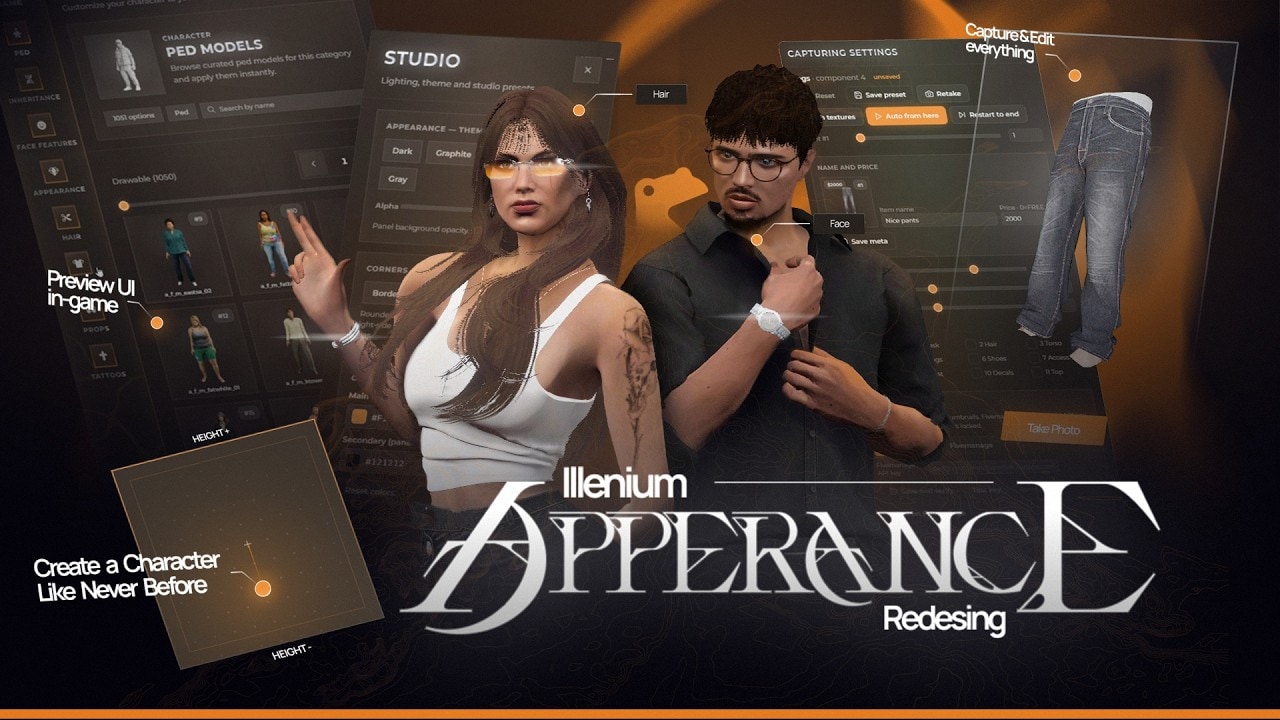
pinkFrog_appearance rebuilds illenium-appearance with a brand new panel and one central idea: players should see the clothes they are picking. Every clothing item is displayed as a real captured image, every type of item can be previewed on the character, and preview images exist for every available GTA 5 ped, so choosing a look stops being a scroll through component numbers.
The character studio is built for players rather than developers. Movement can be frozen, hands raised to check that nothing clips through the outfit, and lighting switched on and positioned for a better look at the face. The studio location is set in the config, so players can pick a favourite spot and avoid colliding with everyone else who is creating a character.
Images come from the built in Capture Dev panel. Enable the With Textures option and the capture expands to every additional texture variant of an asset, and the results can be hosted in a local folder or on FiveManage for faster loading without loading up your server cache in megabytes. The same panel holds clothing metadata, so each asset gets a name and a price.
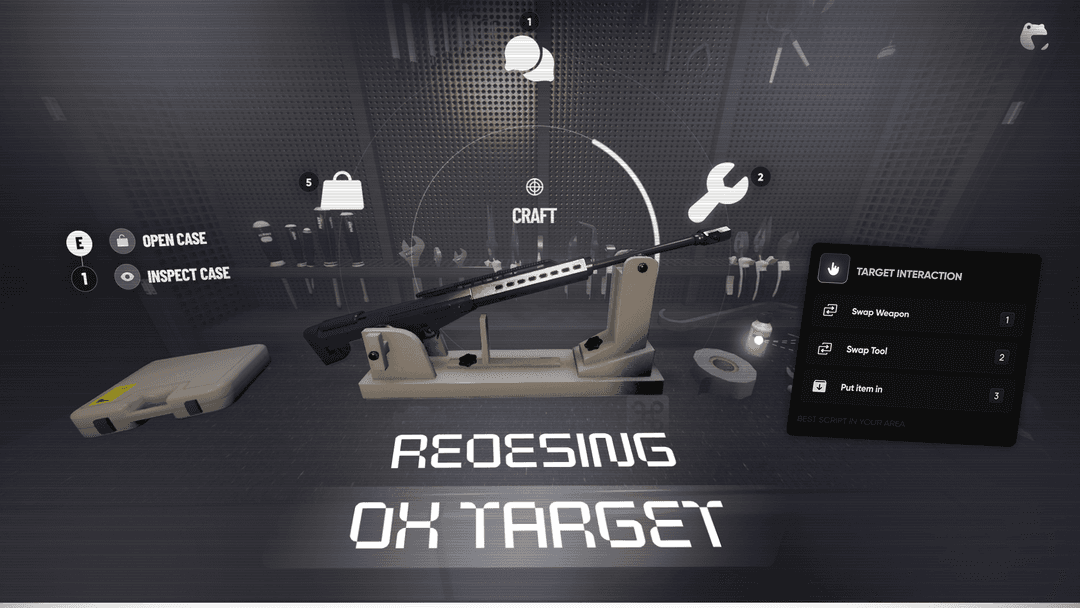
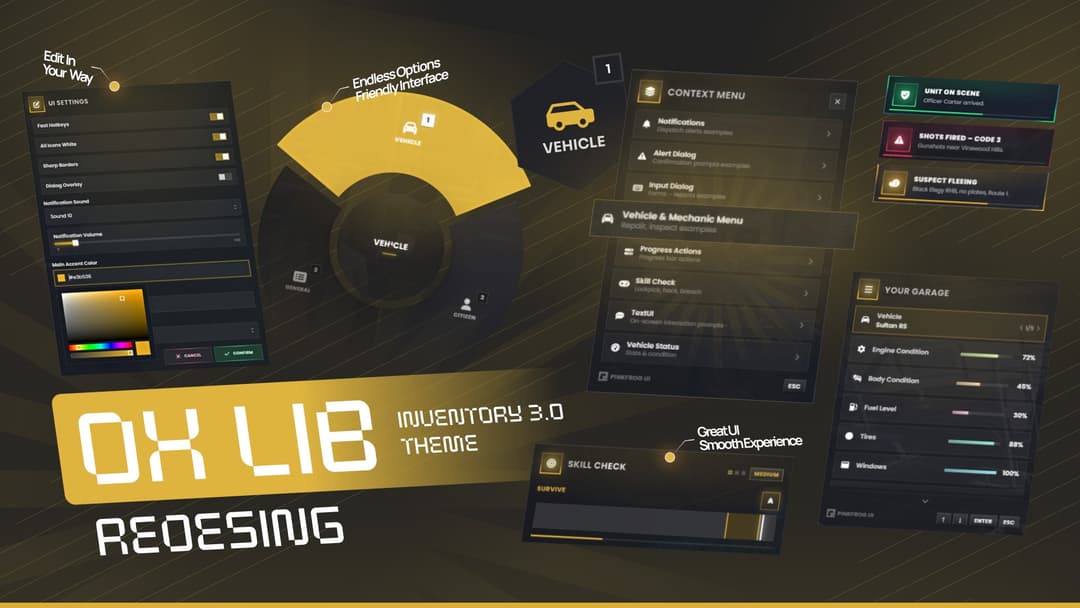
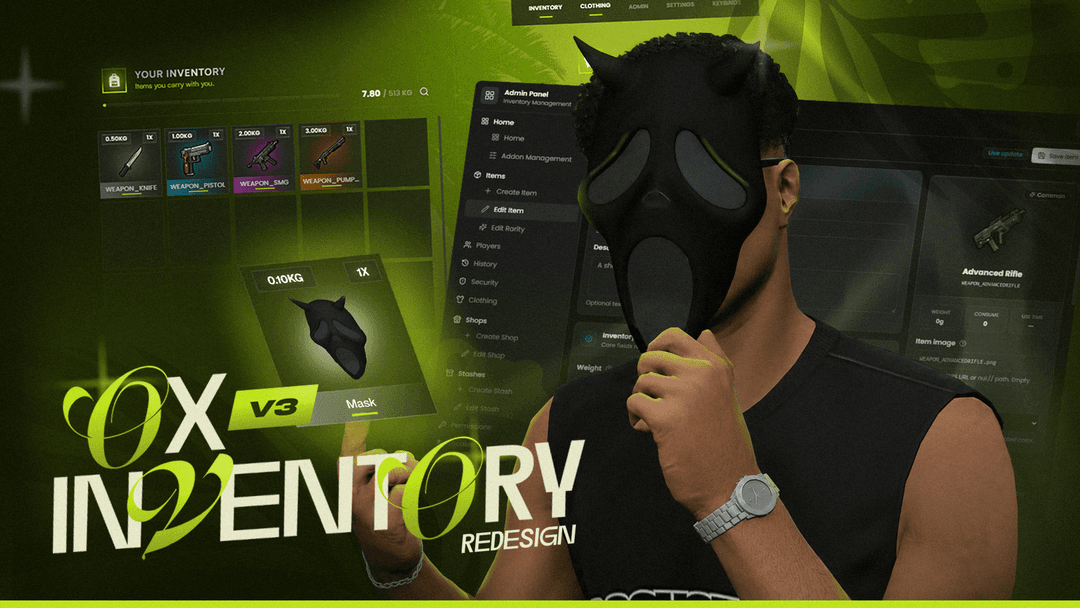
The clothing shop reads those prices directly and checks out through a basket. It also syncs with our ox_inventory V3 redesign, which is what puts real clothing images inside the inventory itself, so without that resource the in-inventory images will not appear. Frameworks supported are ESX, QBCore and QBox.
Every clothing item shown as a real preview image instead of a plain list entry
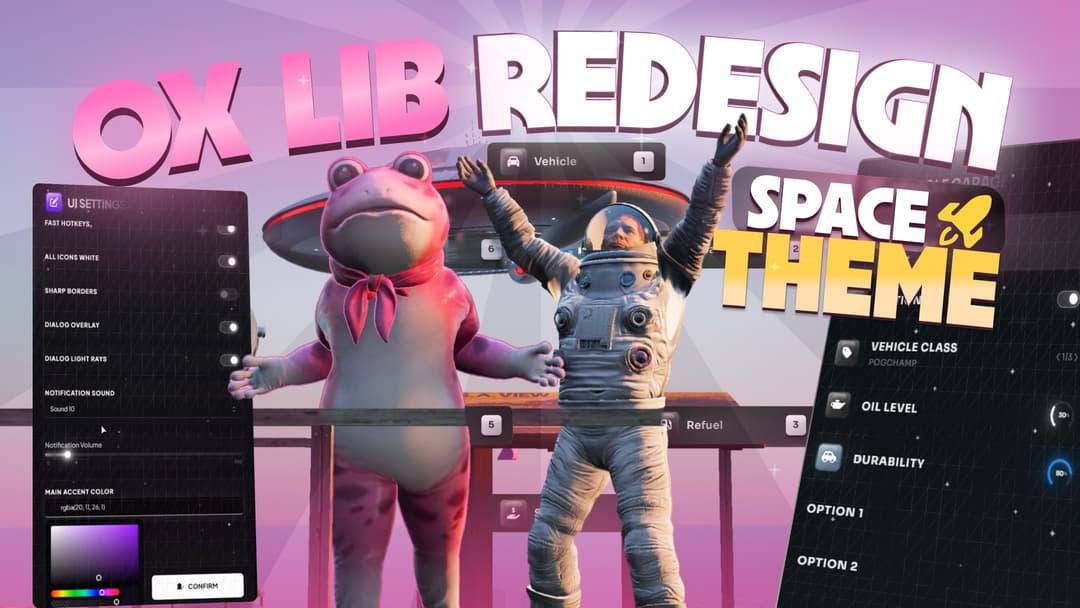
Complete redesign of the appearance panel
Captured images feed the inventory so clothing shows its true look in the slots
Preview images hosted in a local folder or on FiveManage to keep the server cache small
With Textures capture that pulls in every extra texture variant of an asset
Name and price stored per asset as clothing metadata in the Capture Dev panel
Clothing shop with a basket that reads prices set in the Capture Dev panel
Ready made preview images for every GTA 5 ped
Freeze the ped and raise its hands to check clothing for clipping
Studio panel players use to build and manage their character
Config sets the studio location, so players pick a spot away from other characters
Lighting toggle with a position you define for a clearer look at the character
Secured in two ways: the Cfx.re escrow method and Luraph obfuscation. The escrowed files are not open source.
Checkout is handled by Tebex. As soon as the payment goes through, the script is linked to your account and ready to download from the Cfx.re Keymaster.
Sign in with your Cfx.re account before you pay so the license lands on the account that runs your server.